


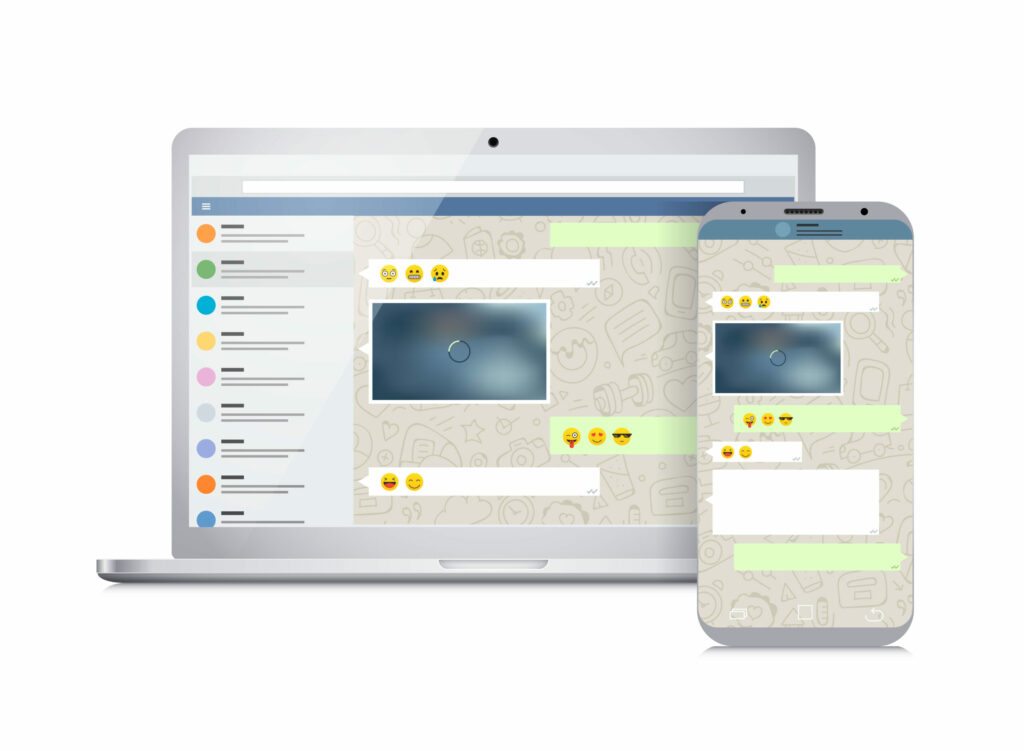
Whatsapp has finally rolled out the ability to send and receive calls via your desktop. Whatsapp calls have become more common as the price of data has decreased and the availability of high-speed wifi increased.
For those working from home, you know just how integral WhatsApp has been in communicating with your co-workers. And you also know the struggle of finding somewhere to prop up your phone whilst your on a video call and you need to search for something on your computer. Whatsapp calls on desktop ends that problem
How to get WhatsApp calls on desktop
The feature works on Windows 10 version 1903 and newer and macOS 10.13 and newer, and lets you call any of your contacts as long as they’re online and using a compatible smartphone, tablet, or computer.
To make or receive calls on WhatsApp Desktop, you’ll need:
- An audio output device and microphone for voice and video calls.
- A camera for video calls.
- An active internet connection on your computer and phone. The call won’t go through your phone, but it needs to be online to establish the call.
- The latest version of WhatsApp for Windows or Mac
- To grant WhatsApp permission to access your computer’s microphone and camera. WhatsApp needs access to your computer’s microphone for calls and camera for video calls.
If you have all the necessary equipment, here’s how to call your WhatsApp contacts on desktop:
- In the WhatsApp window, select the contact to want to call to open the chat.
- Select Call or Video call.
- If the other person picks up, the call will begin.